
Hello Triangle: Build a GPU
A downloadable demo for Windows and macOS
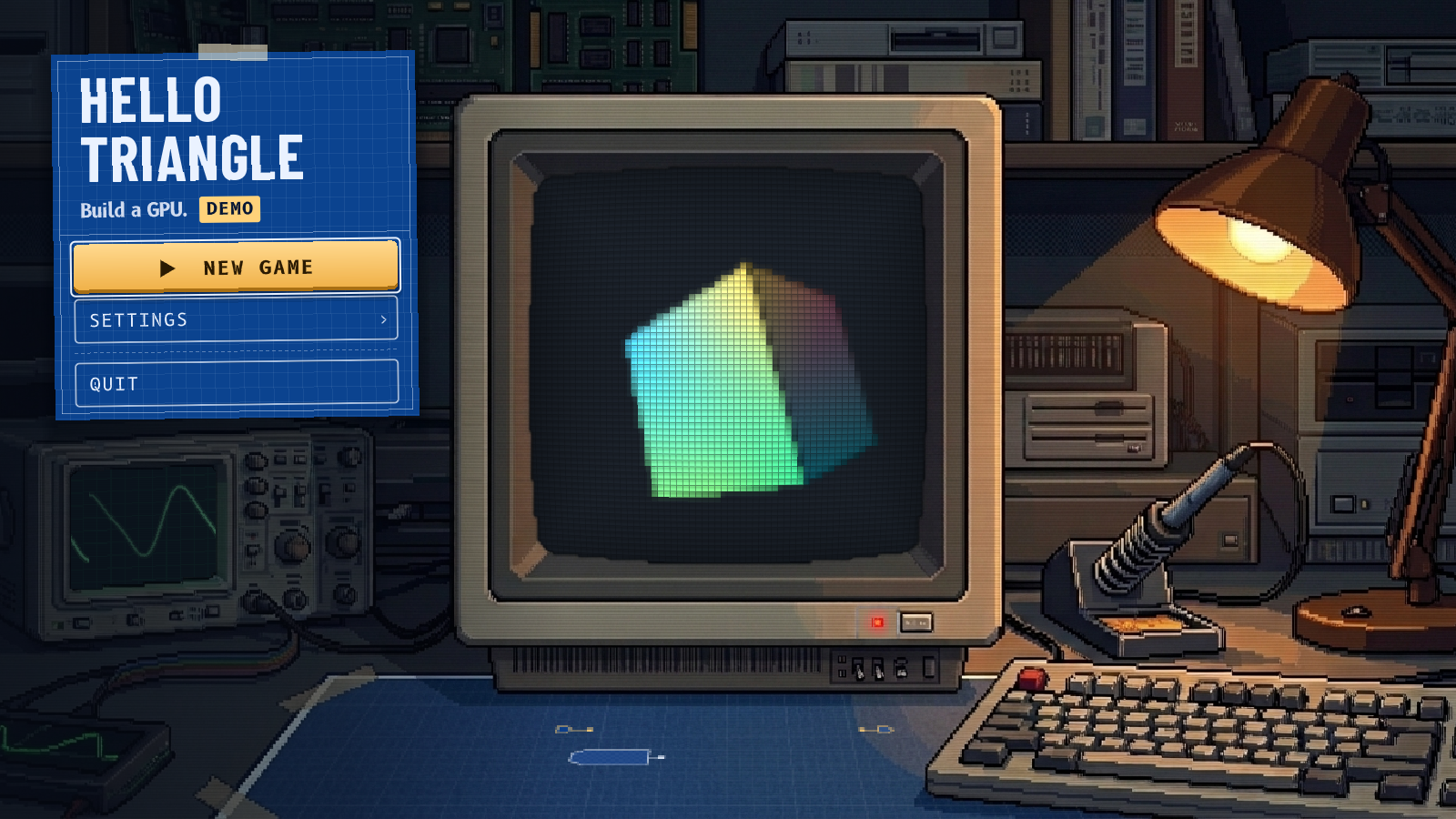
Ever wonder how your GPU draws a triangle? Build one.
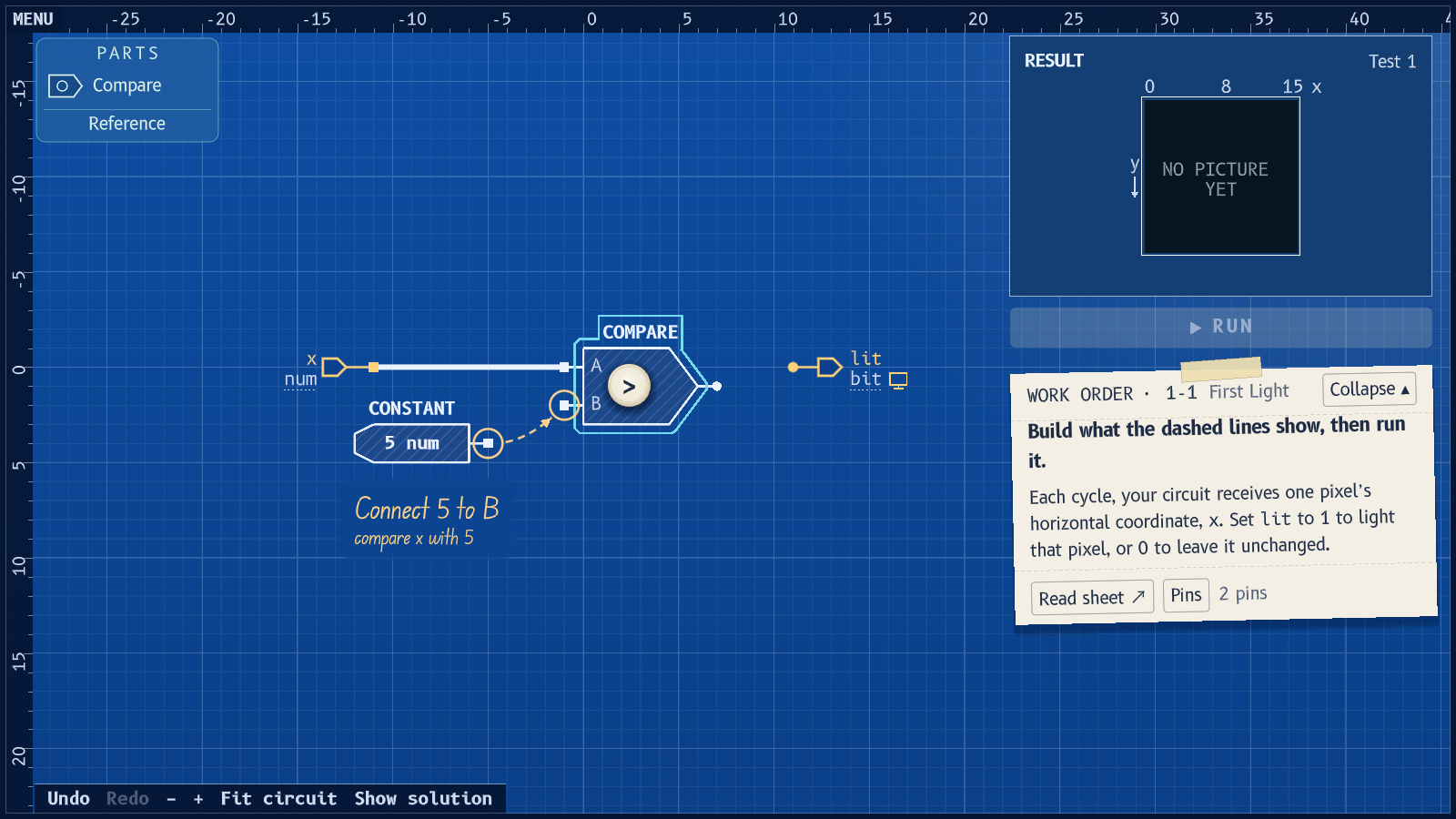
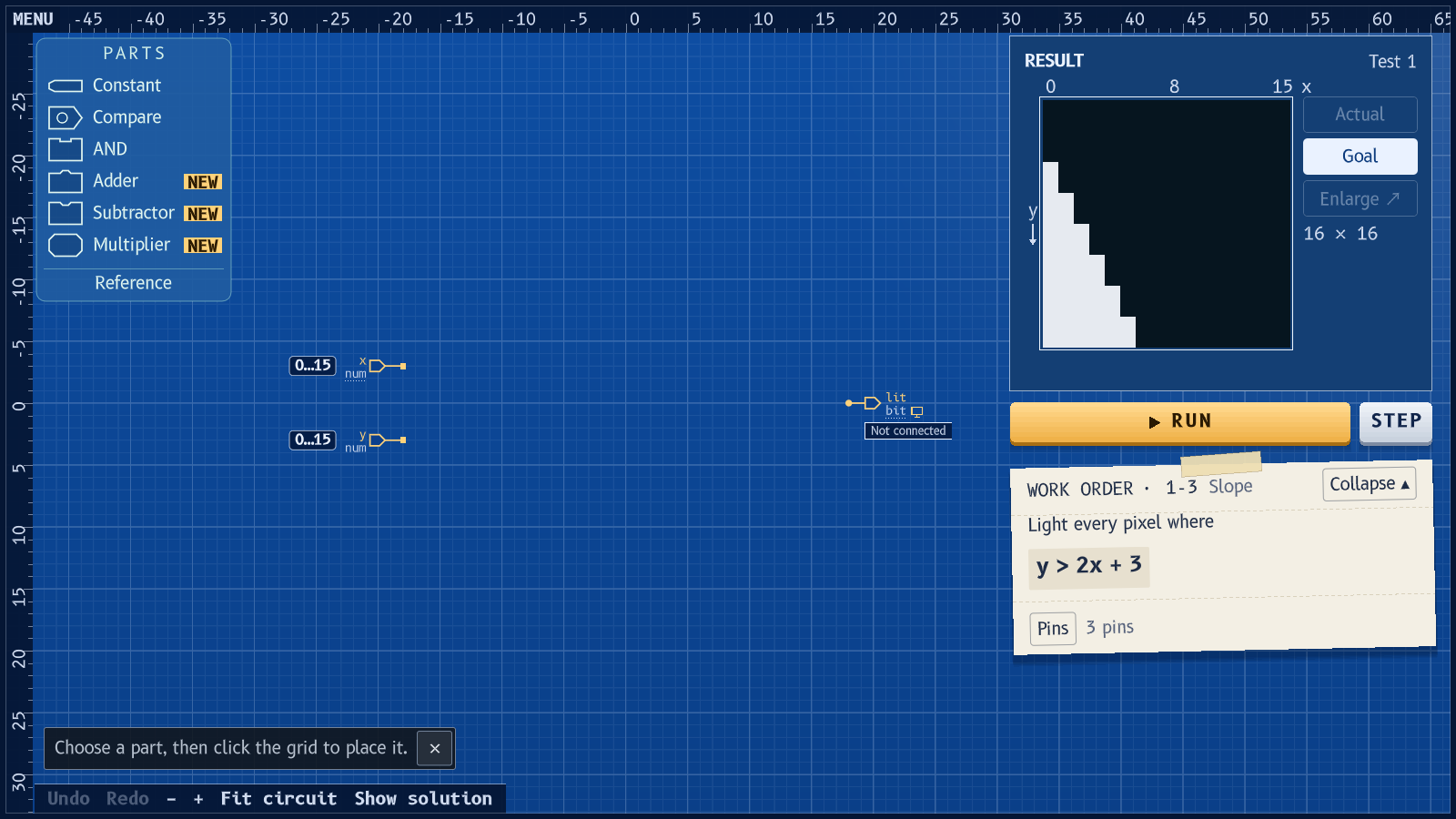
Hello Triangle is a puzzle game about building graphics hardware. Each level gives you a picture to draw and a bench of working parts: comparators, adders, multipliers, registers. Wire them up, press Run, and watch your circuit draw it, pixel by pixel.
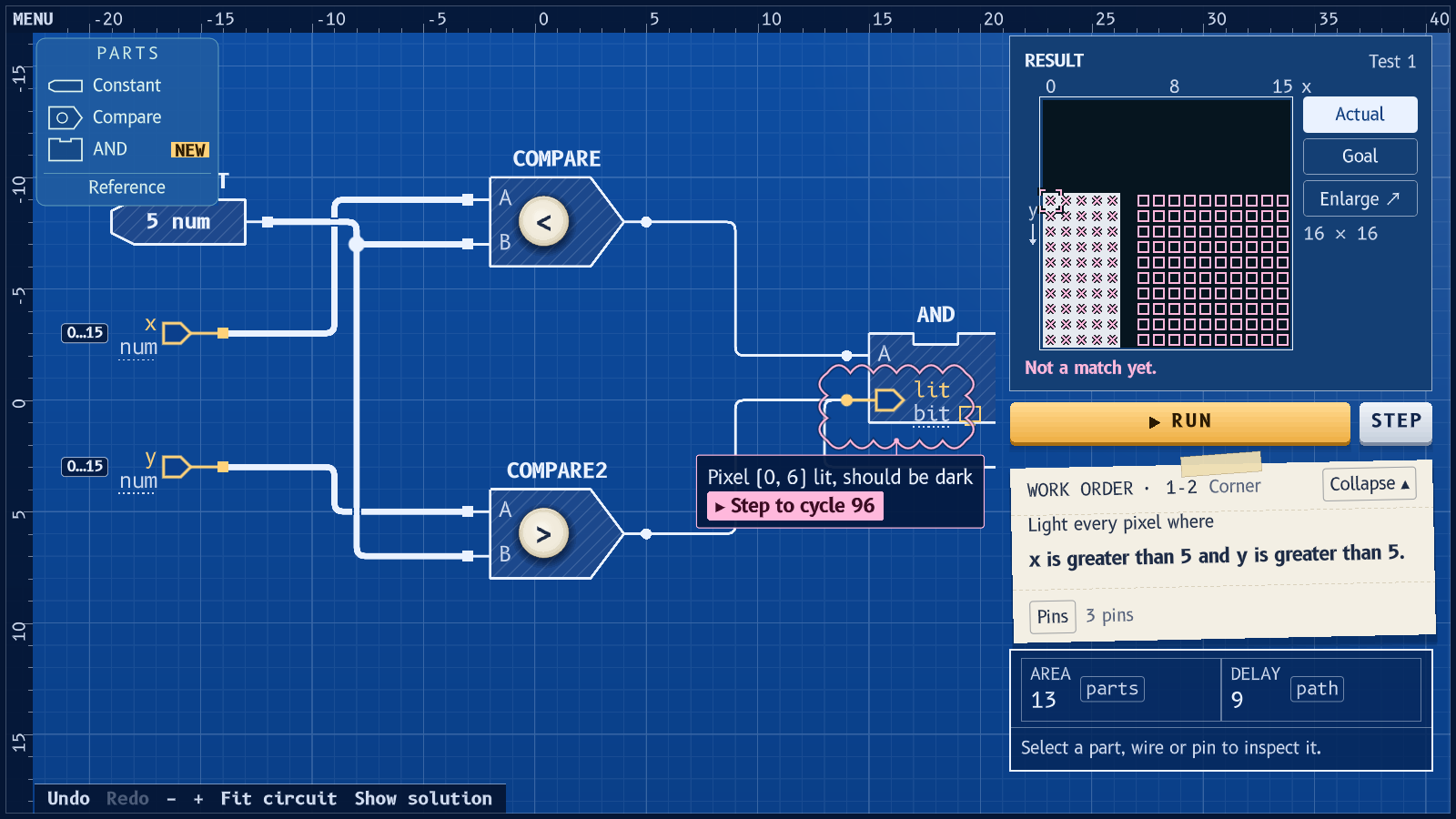
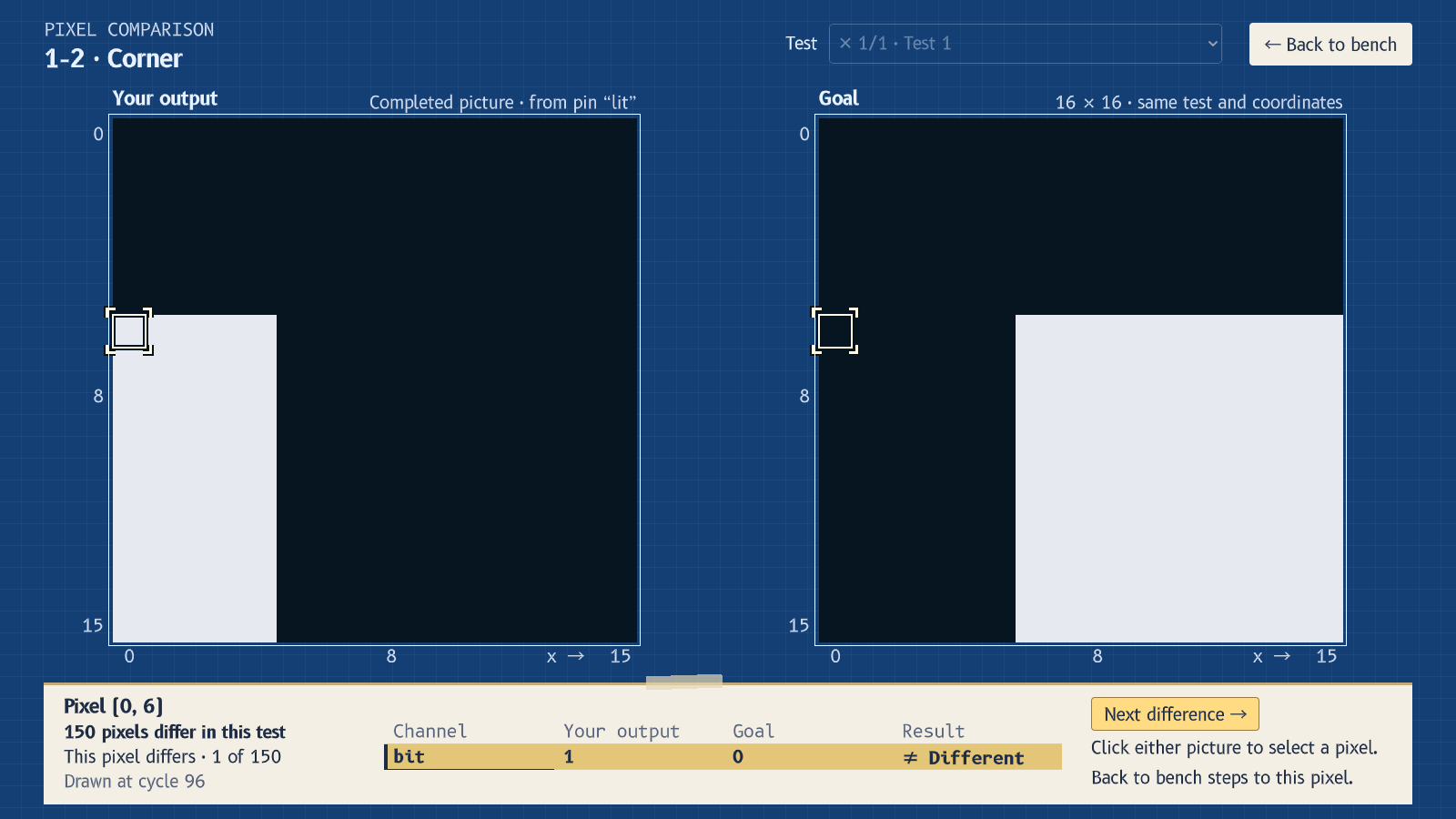
- See every mistake. A wrong pixel is marked on the picture. Click it and step back to the cycle your circuit drew it.
- Hardware, not code. No loops, no functions. To do something again, build a counter. To do two things at once, build a second unit, and pay for the board space.
- Build first, name after. Each level describes its problem in plain words. What you built earns its real name only once it works. Then it's yours, saved to your parts bin for the levels ahead.
- Smaller, faster. Every working circuit is scored on its area and its delay, so there's always a reason to go back.
The demo
All ten levels of Act 1, from lighting up half a screen to the first triangle your own circuit draws.
The full game is in development. Act 2 takes the triangle into three dimensions and sets it turning. Follow the game to hear when there's news.
Requirements
- Windows (64-bit), or macOS 11 or later (Intel or Apple silicon)
- Graphics that support OpenGL 3.3
- A mouse or trackpad, and a keyboard
- A window of at least 960 × 640
- English only, for now
Art and music made with AI tools; every picture your circuit draws is computed by the game.
Download
Install instructions
Installing
- Windows: unzip and run HelloTriangle.exe, keeping the folder together. If Windows says it doesn't recognise the app, choose More info → Run anyway.
- macOS: unzip and open HelloTriangle.app. It isn't notarized by Apple, so the first launch is blocked: open System Settings → Privacy & Security, scroll down and click Open Anyway. On macOS 14 or earlier, Control-click the app and choose Open.
Your progress is saved on your computer and carries over when you update.
Development log
Leave a comment
Log in with itch.io to leave a comment.